
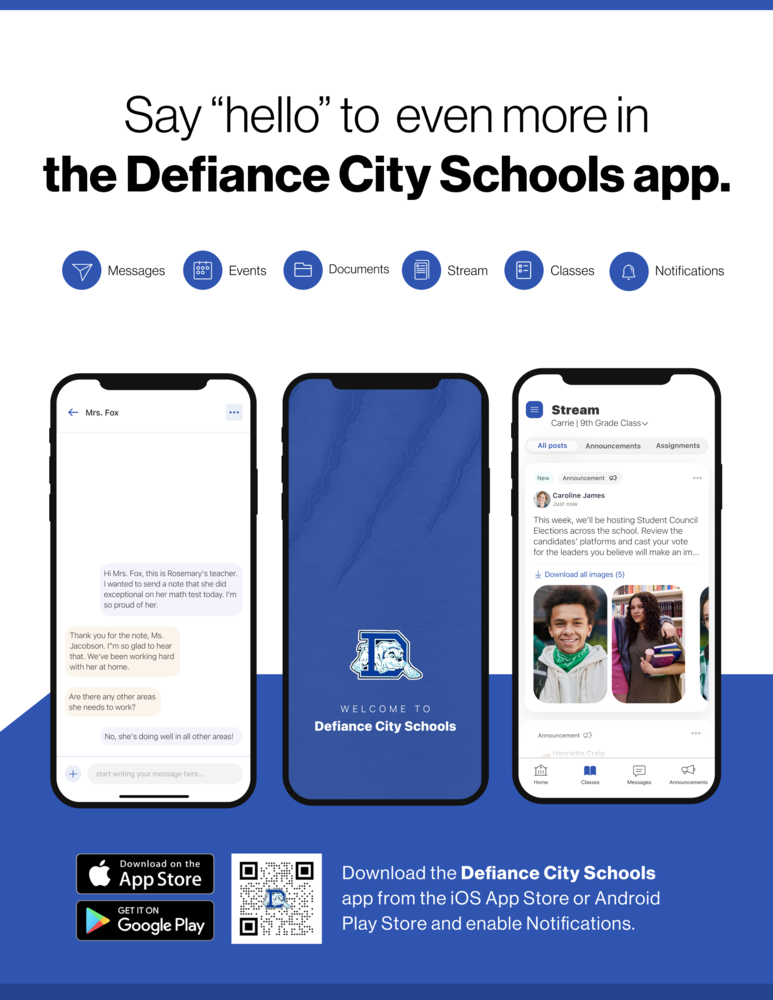
Defiance City Schools is dedicated to keeping our families informed, connected, and actively engaged in their children's education. To ensure you never miss an important update, we encourage all parents and guardians who have not yet done so to download the official Defiance City School District mobile app and sign into Rooms.
What is Rooms?
Rooms is our official district-wide parent-teacher communication platform powered by Apptegy. Integrated directly into the Defiance City School District mobile app, Rooms provides a secure, convenient place for all classroom announcements and two-way messaging between families and educators.
Why Sign In to Rooms?
Once logged into your account, you will be able to:
Message Teachers Directly: Reach out to your child's teachers with questions or updates and receive timely replies.
Stay Updated: Receive regular updates on classroom activities, assignment reminders, school events, and announcements.
Streamline School Communication: Keep all district news and individual teacher messages centralized in one single app.
Simple Steps to Get Started
Download the App: Open the App Store (iOS) or Google Play Store (Android), search for "Defiance City School District", and download the official app.
Sign In: Log into your account using the contact information (email address or mobile phone number) registered with the school district.
Switch to Rooms: Open the app and tap the Rooms icon located in the bottom menu.
Need Help Logging In?
For a visual walkthrough on how to log in and set up your account, please check out our step-by-step guide video below:
And don't forget to turn on notifications in the App and on your Phone.